
Most cold email advice sounds like this: keep your subject lines short, don't use "free," "guarantee," or "promotions," warm up your mailboxes, and age your domains. Good advice. Also not nearly enough.
After sending tens of millions of cold emails — including one campaign targeting CFOs, controllers, and owners at mid-market companies across North America — we found that deliverability isn't a setting you configure once. It's an engineering discipline. A system. A set of rules that have to run on every single email, every single time, without exception.
This piece is about that system. What's in it, why each part exists, and how to build it for yourself.
The Premise: Spam Filters Are Probabilistic Pattern Matchers
Spam filters don't read your email. They score it.
They're looking for patterns: certain words, certain structures, certain behavioral signals from your sending infrastructure. The more pattern matches, the higher the risk score — and at some threshold, your email never arrives. LLMs are now looking at your entire email holistically as well to see how cold the message is.
The uncomfortable truth is that most senders know this in the abstract but don't act on it systematically. They'll avoid "FREE MONEY" and think they're covered. They won't realize that words like access, performance, success, call, cash, deal, and check — perfectly normal English words — carry risk scores in commercial spam filters because they're statistically overrepresented in junk mail.
So the first thing we built was a list. Not a gut-feel list. A canonical list.
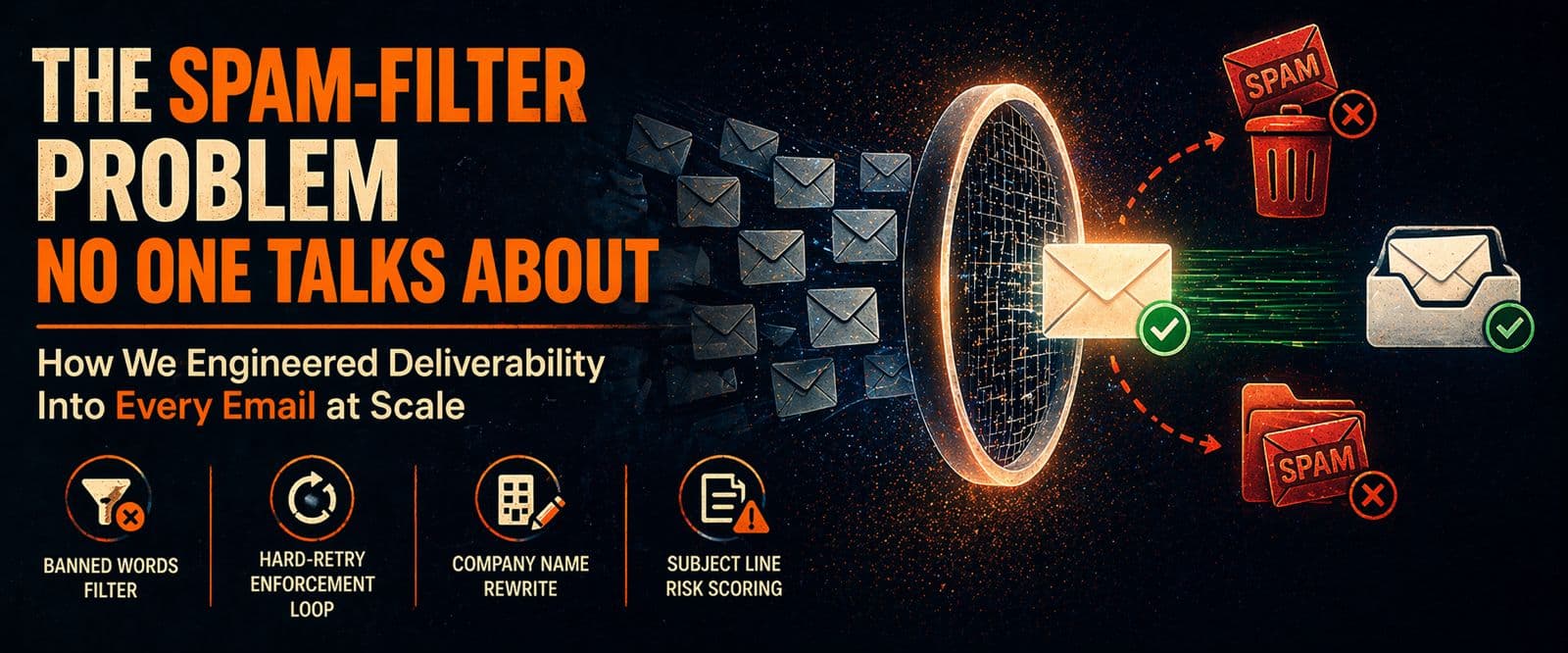
Layer 1: The Canonical Banned-Word List
We started with a published reference — Mailmeteor's spam words database — and cross-referenced it against our own QA findings as campaigns ran. Every time a word was flagged in a live copy review, it went into the list and stayed there.
The result is 100+ single words and 400+ phrases organized into six categories:
- Money and financial hype: cash, bonus, rebate, discount, earn, profits, double your money, free consultation, increase revenue
- Scam-pattern phrases: act now, limited time, click here, no obligation, risk-free, guaranteed results, will not believe
- Marketing overpromises: #1, amazing, fantastic, unlimited, thousands, join millions, lowest price
- Pressure and urgency: buy now, hurry up, immediately, expires today, what are you waiting for?
- Phishing-like patterns: verify identity, confirm your details, final notice, security update, log in now
- Words that are fine in regular conversation but carry risk in email filters: get, new, now, today, call, chance, free, hard, open, stop, rate, name
That last category is the surprising one. These aren't hype words — they're ordinary language. But they appear in enough junk mail that filters have learned to weight them, especially in subject lines and opening sentences.
Layer 2: The Hard-Retry Enforcement Loop
A static word list is only useful if it's actually enforced at the point of generation. And generation in our pipeline happens at scale — we're classifying thousands of contacts with GPT-4.1 nano or GPT-4o to produce a custom {{sector_relevantfundingtype}} variable for each one. That variable ends up in every email body.
The problem: GPT sometimes generates a banned word. It might return "insurance groups" instead of "coverage groups." Or "cash flow operators" instead of "liquidity operators." Or "home builders" when the correct output is "residential contractors."
So after every generation pass, we run a banned-word scan with word-boundary matching — not a simple substring search. The \bword\b logic means that sales inside wholesale doesn't trigger a false positive, but sales as a standalone word does.
This isn't a nice-to-have. In Campaign003 — 6,484 unique contacts — the sector variable achieved an 88.4% fill rate with 272 million unique combinations. Every one of those values ran through this system before touching a contact's email.
Layer 3: The Company Name Rewrite Rule
If your email copy includes the recipient's company name — and at scale, personalized copy almost always does — you have a new problem: the company name itself might contain a banned word.
- "Access Brand Communications" — the word access is on our list
- "Calcon Mutual Mortgage" — the word mortgage is on our list
- "Buckeye Insurance" — the word insurance is on our list
You can't just drop the company name from the copy — that loses the personalization signal entirely. And you can't use it raw — that puts a flagged token in the email.
The Deterministic Rewrite Rule
- Remove the banned token entirely if the remaining name still reads clearly
- If removing the token makes the name unreadable, abbreviate or compress instead
- Prefer the shortest rewrite that keeps the name recognizable to a human
Concrete Outputs
- Access Brand Communications → AB Communications
- Calcon Mutual Mortgage → Calcon Mutual
- Buckeye Insurance → Buckeye
- Coming Soon New York → Coming NY
Layer 4: Why We Disabled Open Tracking and Link Tracking
This is the decision that surprises most people the most. Most email platforms — including Instantly — offer open tracking (a 1×1 pixel that fires when the email loads) and link tracking (links wrapped through a redirect domain so clicks are captured). These are genuinely useful analytics signals. We disabled both of them by default.
Why Open Tracking Goes
Open tracking requires loading a remote image. That means your email isn't plain text — it contains an <img> tag pointing to an external domain. Spam filters weight this. Corporate firewalls and email clients that block remote images will also suppress the pixel, making your tracking data unreliable anyway.
Why Link Tracking Goes
Link tracking wraps your URLs through a redirect domain. That redirect domain has its own reputation score. If other senders on the same tracking infrastructure have been flagged, your link shares that risk. You don't control it.
What you trade away: open rates and click rates. What you get back: a measurable uplift in deliverability, and the forcing function to write copy where the reply itself is the only CTA. There's no "click here" to track. There's no incentive to add links at all. The email becomes a pure conversation opener — and that's exactly how it should read.
Layer 5: Send Gap Randomization
Human beings don't send emails at machine-pace. A single sending account dispatching 500 emails in one hour, evenly spaced every 7.2 minutes, looks like a robot to both spam filters and receiving mail servers.
Our campaign configuration injects two layers of randomness into every sending account:
- Base gap: randomized between 67 and 80 minutes per email
- Random additional time: an additional 3 to 7 minutes on top of that
The result is that no two emails from the same account go out at the same interval. The pattern is human-shaped.
There's a second reason for the gap beyond spam filter optics: company clustering. If you import a list sorted by company — which is what most exports look like out of Apollo or Row Zero — you'll send to five contacts at the same company in rapid succession. The IT team notices. Spam complaints follow.
Layer 6: Text-Only With Structured HTML
"Text-only" in cold email doesn't mean sending a raw .txt file. It means your email looks like a plain text message — no fancy buttons, no header graphics, no multi-column layout. But to get consistent paragraph spacing inside an email client, you still need minimal HTML structure.
Newlines in a raw string get collapsed in most email clients. The email renders as a wall of text. Even if it passes every spam filter, the recipient experience is broken.
Wrapping paragraphs in <div> tags renders correctly across email clients, still passes as text-only to spam filters (no images, no remote resources), and keeps the paragraph rhythm intact.
Layer 7: Copy Tone as a Spam Signal
Spam filters aren't just lexical scanners. Modern classifiers have been trained on millions of spam emails and know what patterns are semantically associated with junk — not just individual words, but sentence-level tone. Pressure language. Urgency language. Claim-heavy language. Sentences that describe outcomes rather than offering them conversationally.
Style Rules
- Replace promotional language with observational language. Not "we help companies increase revenue" — too promotional, also uses a banned word. Instead: "companies in your space sometimes need a line built around the business."
- Replace pressure with permission. Not "act now" or "schedule a call today." Instead: "happy to send a brief outline if relevant."
- Replace hype with specificity. Not "amazing results" or "guaranteed savings." Instead: a precise description of the financing event or outcome you're referencing.
- No em dashes. They are statistically overrepresented in AI-generated text and filters and recipients are both starting to recognize them as a signal. Use plain hyphens only.
What This System Produces
In Campaign003 — 6,484 contacts, mixed B2B industries, mid-market decision-makers — these were the results:
- Reply rate: 2.12% (138 replies)
- Bounce rate: 1.09% — within normal range for a DM list that has been email-verified
- Out-of-office rate: 1.93% — consistent with B2B mixed-industry
- Positive replies: 31.15% — 43 opportunities sourced
A 2.12% reply rate doesn't sound impressive until you understand the denominator: 6,484 unique decision-makers, reached cold, with no prior relationship. That's 138 real humans who replied to an email from a sender they'd never heard of. And the emails that didn't convert didn't fail because they were spam — they were read, assessed, and passed on. We know, because they landed in the inbox.
The Reusable Framework
If you're building cold email infrastructure and want to apply this approach, here's the stripped-down version:
- Build a canonical banned-word list from a real reference source, then extend it from your own QA findings. Treat it as a living document.
- Enforce the list at generation time — not just at review time. If you're generating personalization at scale with any AI model, scan every output before it touches your sheet. Build a substitution map for common violations. Run hard-retry loops.
- Apply the company-name rewrite rule before any email that uses the company name as a copy variable. Remove the banned token, check if the name still reads clearly, abbreviate only if needed.
- Disable open and link tracking. Accept that reply rate is your primary signal. Design copy accordingly.
- Randomize send gaps at two levels: a base randomization window plus additional noise. Sort your list to break company clusters before import.
- Use text-only HTML — <div> structure for paragraph spacing, no images, no embedded pixels, no remote resources.
- Write in a tone that matches human conversation at your price point. Calm, informed, specific. Nothing that sounds like a promotion or a deadline.
Deliverability isn't a property of your domain. It isn't a setting. It's the aggregate outcome of a hundred small decisions made correctly, every time, across every email in every campaign. Build the system once. Then the system takes care of it.
Find more of our AI outreach articles at infrasuite.io/ai-stack.
Need cold email volume?
Done-for-you mailboxes for outbound
InfraSuite is built for teams that rely on cold email as a core revenue channel and need stable, high-performing Outlook mailboxes. You subscribe to a proven Microsoft-based sending environment that's already configured for cold outreach — provisioning, DNS, mailbox setup, and deliverability hygiene handled for you. A completely hands-free and automated solution so you can focus on campaigns, clients, and revenue instead of infrastructure risk.
- Stable inbox placement across Outlook and Google
- Fewer resets, fewer domain swaps
- Capacity ready when clients sign
- Calm, competent support when something looks off